Construction Simulation
BIM, 3D and visual workflows that make complex projects easier to understand.
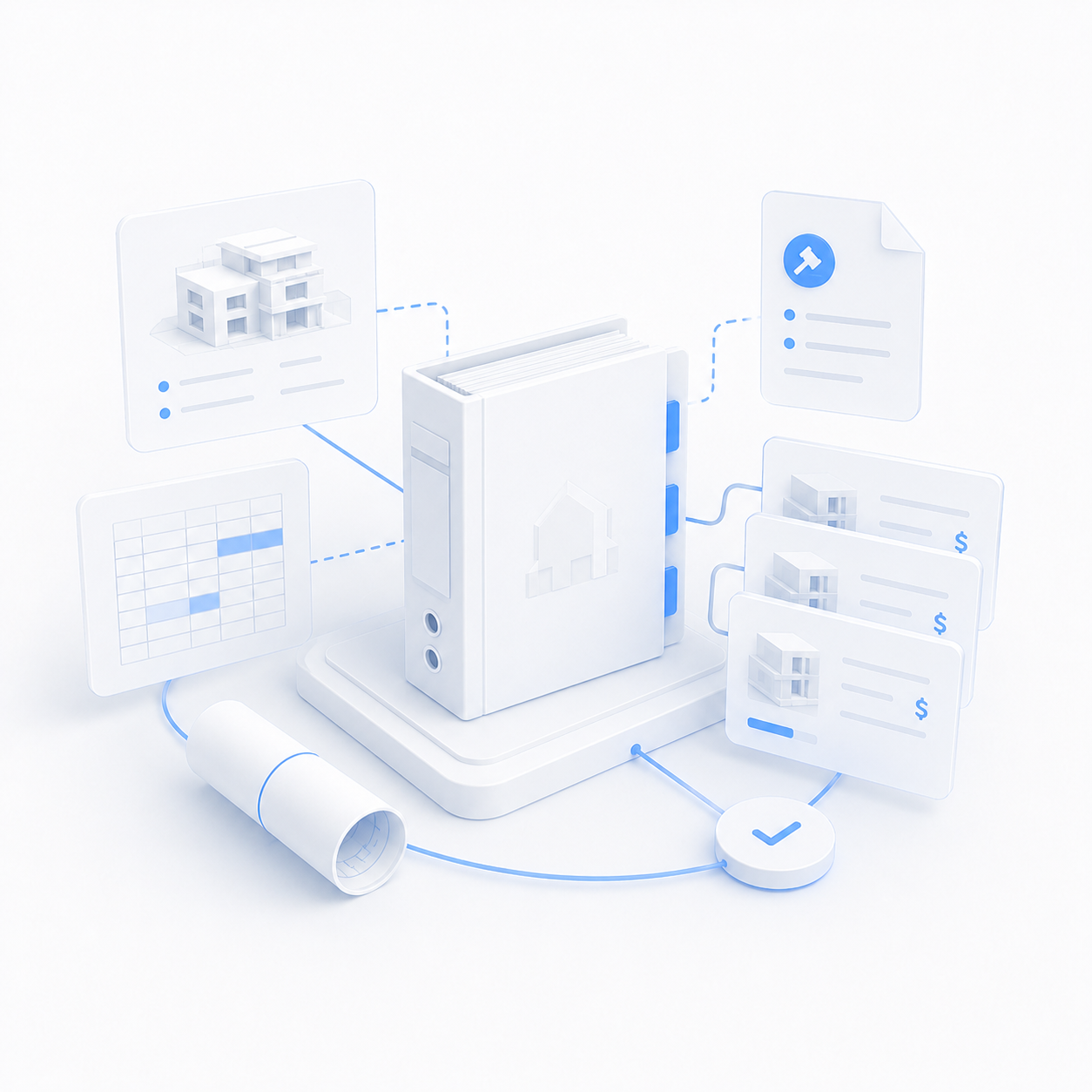
4D/5D BIM Construction Simulation: Turning a Building Model into a Visual Construction Plan
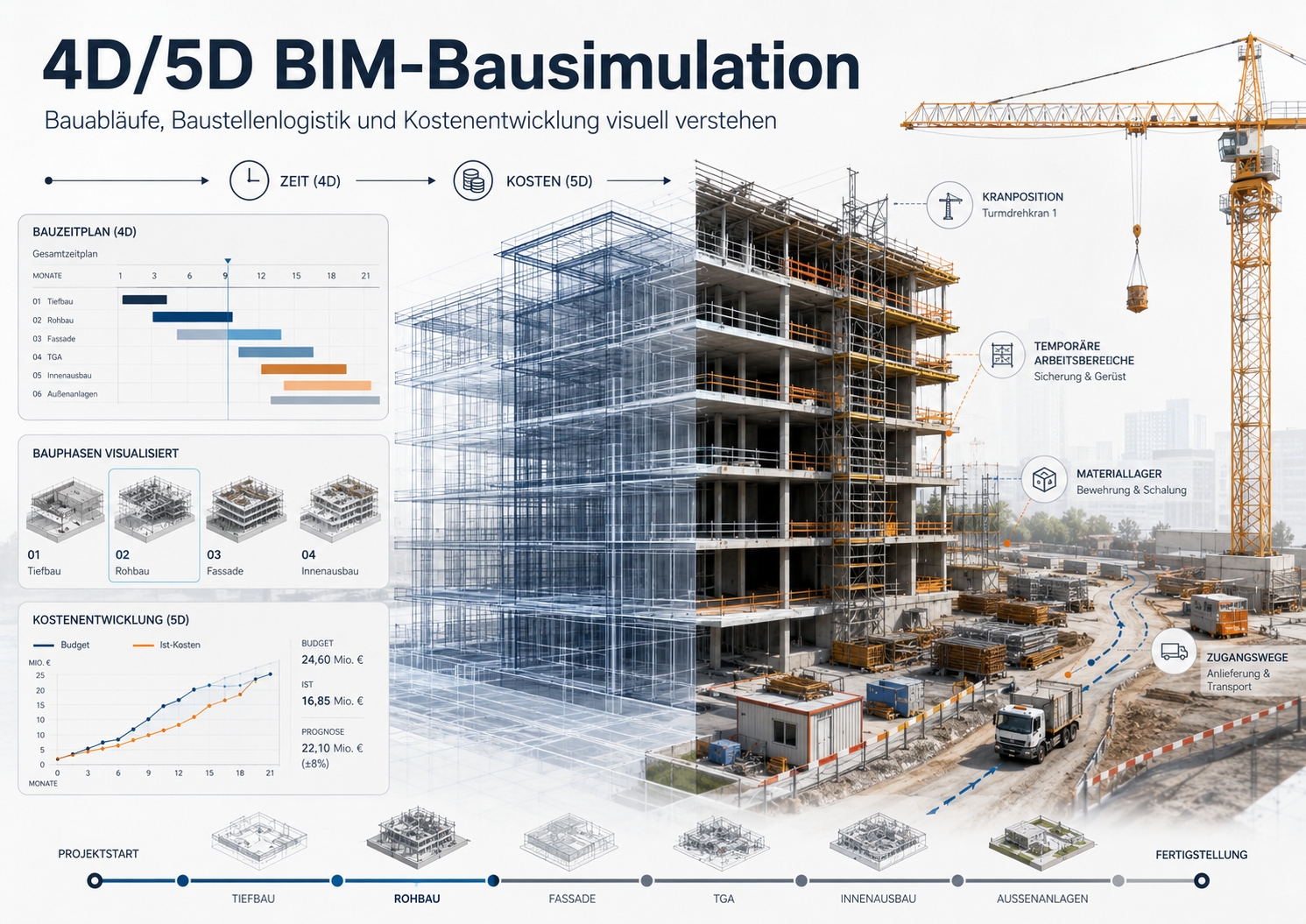
In many projects, the real challenge is not only designing the building. The harder question is: how will the building actually be built? A developer, owner or contractor may already have drawings, a 3D model and a traditional construction schedule. But when the project moves closer to execution, more practical questions appear: Which part is built first? Where will materials be stored? Where should cranes, scaffolding, temporary works and site facilities be placed? Do storage areas conflict with truck access or worker movement? Does the schedule make sense visually? How does one delay affect the rest of the project? How are costs distributed over time? This is where 4D and 5D BIM become valuable. They are not just advanced technical features. Used correctly, they help project teams understand, test and communicate the construction process before it happens on site. What is 4D and 5D BIM? A standard BIM model contains geometry and information: walls, slabs, structural elements, spaces, materials, quantities and technical data. 4D BIM adds time to the model. Model elements are linked to a construction schedule, allowing the team to see how the project develops phase by phase. A systematic review of 4D BIM benefits identified frequently cited advantages such as improved visualization and communication, better scheduling and planning, construction progress monitoring, and safety-related benefits. 5D BIM adds cost information. This means quantities, elements and activities can be connected to cost codes, budgets, rates or cost assumptions. Autodesk describes 5D BIM as bringing BIM’s modeling and visual representation capabilities into precision workflows and cost analysis. Construction simulation is not just an animation A common misunderstanding is to treat 4D BIM as a nice construction animation. A simple animation can be useful for marketing, but 4D BIM should be more than that. In a proper 4D workflow, the model is connected to a schedule. Elements appear according to construction logic: foundations, columns, slabs, walls, façades, finishes, MEP systems, temporary works, scaffolding, storage zones and site logistics. The value is not the movement itself. The value is the ability to test the sequence, reveal conflicts and explain the construction method visually. Research on 4D BIM for construction logistics management explains that 4D BIM allows proposed logistics plans to be examined in context against 3D site layouts and construction work sequences. Site occupations: the often-missing layer Many schedules focus on the permanent building elements but ignore the temporary reality of the construction site. In practice, the construction site is a changing system of temporary spaces, movements and constraints. A project team may need to define: - material storage areas; - reinforcement storage; - scaffolding zones; - crane positions; - truck access routes; - loading and unloading zones; - temporary site offices; - waste containers; - contractor work zones; - restricted areas; - temporary barriers and safety zones. A strong 4D system should allow these temporary site occupations to be linked to the timeline. A storage zone may appear during one phase, disappear later, and be replaced by another zone as the site changes. This matters because construction phase simulation can support better decisions regarding site layout, operational sequences, resource allocation, execution time and safety management. Why owners and developers should care 4D/5D BIM is often seen as a contractor’s tool. But owners, developers and investors can also benefit from it. A construction simulation can help them: - understand how the project will move from design to completion; - explain the construction strategy to non-technical stakeholders; - compare alternative construction sequences; - identify potential site logistics problems; - show investors or partners a clearer execution plan; - connect phases with cost assumptions; - visualize progress before and during construction; improve communication between design, construction and management teams. Research on 4D BIM simulation has shown that visual construction process representations can provide intuitive comprehension and support better communication and collaboration between stakeholders. The relationship between 4D and 5D With 4D BIM, the team can see when something happens. With 5D BIM, the team can also understand what it costs. For example: Foundations may be linked to excavation, concrete, reinforcement and waterproofing costs. Structural works may be linked to quantities of columns, slabs and walls. Façade phases may be linked to glass, aluminium, insulation or cladding packages. Interior works may be linked to flooring, doors, ceilings, sanitary fixtures and lighting. This does not mean that the BIM model automatically produces a guaranteed final price. Cost information depends on model accuracy, classification, quantity structure, contracts, procurement, taxes, market rates and updates. A 2024 ITcon paper on 5D BIM emphasizes the need for integrated practices and systems to support cost estimating, cost monitoring, cost control and cash flow in the construction supply chain. A practical example: a mid-size residential project Imagine a six-storey residential building. In a traditional workflow, the owner may receive: -drawings; - a 3D model; - a construction schedule in a separate file; - a cost estimate in another spreadsheet. In a 4D/5D workflow, these can be brought together: - Weeks 1–4: excavation and foundations appear in the simulation. - Weeks 5–14: structural elements rise floor by floor. - Weeks 15–20: exterior and interior walls appear. - Weeks 21–26: scaffolding and façade works are shown. - Weeks 27–36: finishes are visualized by floor or zone. - Throughout the sequence: storage areas, cranes, access routes, -containers and temporary site occupations appear and disappear according to the schedule. - In the 5D layer: activities and phases can be connected to quantities, cost assumptions or work packages. The result can be a construction phase video, but also a planning tool. The video is not only for presentation; it is a visual explanation of the execution logic. Benefits of 4D/5D construction simulation 1. Better understanding before construction starts Schedules and drawings require technical interpretation. A visual simulation helps owners, consultants, contractors and investors understand the construction sequence more quickly. 2. Early detection of sequencing problems A schedule may look acceptable on paper but reveal problems when visualized. A storage area may block truck access. Two subcontractors may need the same zone at the same time. Scaffolding may conflict with façade delivery. 4D simulation makes these issues easier to discuss before they become site problems. 3. Stronger site logistics planning Urban sites, tight plots and phased projects often suffer from poor logistics planning. A 4D model can show how temporary site use changes over time, which helps teams discuss deliveries, storage, crane coverage, access and safety. 4. Improved safety discussions A 4D simulation does not replace official safety planning, but it can make safety-related issues easier to visualize. Temporary danger zones, lifting areas, access restrictions and work zones can be represented in relation to the timeline. 5. Better investor and stakeholder communication Investors do not always want to read detailed schedules. They need to understand whether the execution plan is realistic. A 4D/5D simulation turns the schedule into a visible construction story. 6. Linking time and cost With 5D BIM, the team can connect phases to cost assumptions. This is useful for phased financing, progress reporting, cost control and discussions about cash flow. Where does Benatrix fit in? Through Benatrix, we provide a digital construction simulation service that helps visualize how a project will progress over time. This can support planning, presentations to owners and investors, and communication of the construction sequence to contractors and project partners. In the ideal case, the client provides us with a BIM model and a project schedule. We then prepare the data, link the model elements to the appropriate construction phases, and produce a 4D construction simulation showing how the project develops stage by stage. If the client does not have a BIM model, a schedule, or both, we can take care of that as well. We can create a suitable BIM model based on drawings, CAD/PDF files, or available project information. We can also prepare a construction schedule inside Benatrix based on element types and the expected construction sequence. The schedule is not necessarily treated as an imported file. It can be created directly within Benatrix according to the nature of the project. The project can also be divided into different phases or work zones. For example, construction may begin in one section of the building and then move to another section in a later phase, allowing the simulation to clearly reflect the proposed execution sequence. Depending on the level of available data, we can provide: -Preparing a BIM model for construction simulation. - Creating a BIM model when one is not available, based on drawings or CAD/PDF files. - Preparing a construction schedule inside Benatrix when no schedule is available. - Dividing the project into construction phases and work zones. - Linking model elements to the appropriate phases. - Producing a 4D simulation showing construction progress over time. - Representing storage areas and temporary site occupations when required. - Producing a video explaining the construction sequence. - Linking quantities and cost to phases when the required data is available. - Preparing outputs suitable for presentations to owners, investors, contractors, or partners. Important note A construction simulation is not a guarantee of the actual execution method. It is a planning, communication, and analysis tool. Its accuracy depends on the quality of the available information, such as the accuracy of the BIM model, the correctness of the schedule or the assumptions used to create it, the accuracy of quantities, the realism of cost data, and how up to date the information is. The more complete and accurate the provided data is, the more useful and realistic the simulation becomes. If the data is incomplete or outdated, the simulation can still be useful as a visual presentation, but it should not replace detailed execution planning. Conclusion 4D/5D BIM construction simulation turns a building model into a visual construction plan. It helps teams understand the project over time, plan temporary site use, test construction sequencing, connect phases with cost assumptions and communicate the execution strategy clearly. The value is not that the model moves. The value is that the construction process becomes visible, discussable and easier to control before problems appear on site.
4D/5D BIM Construction Simulation: Turning a Building Model into a Visual Construction Plan
Construction Simulation
BIM services